 AppToPC
 How to Install PC Games and Software: A Complete Guide
Installation Guide for PC Games & Applications
This guide provides step-by-step instructions on how to install games and software downloaded from our website. Please follow these steps carefully.
Step 1: Extract the Downloaded Archive
After downloading, locate the compressed file (RAR/ZIP). Right-click and select "Extract here" or "Extract to [Folder Name]".
Once extracted, you will see a Setup.exe file and one or more .bin data files.
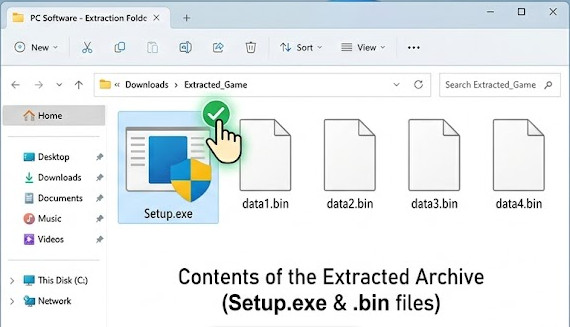
Step 2: Run Setup.exe to Install
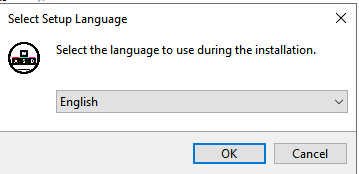
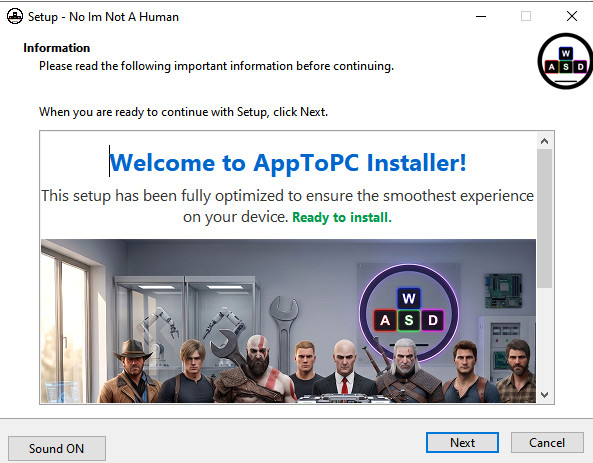
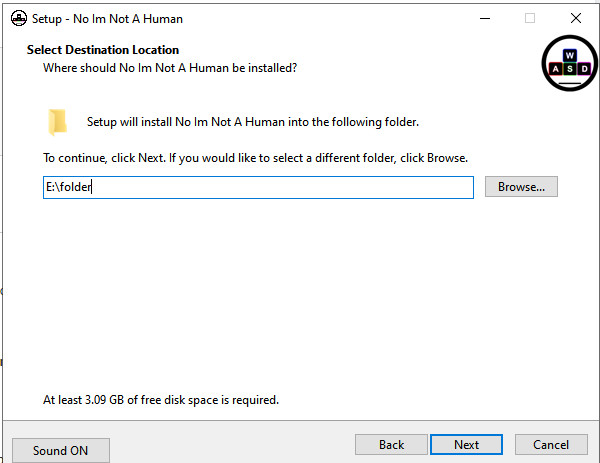
In the extracted folder, double-click Setup.exe to begin the installation process. During this step, you will be asked to select a destination folder where the game or application will be installed.
Wait for the installation to complete as it unpacks the .bin files into your chosen directory.
Step 3: Launching the Game or Application
After the installation is finished, navigate to the destination folder you selected in Step 2. You will find yourself in one of the following two cases:
Case 1: Direct Play (Portable/Pre-installed)
Locate the executable file (.exe) featuring the game or app icon. Right-click it and select "Run as Administrator" to start.
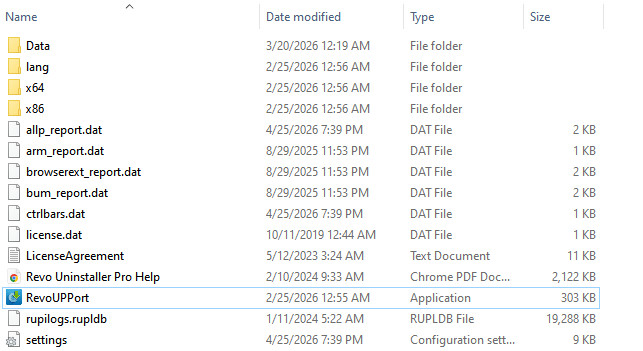
-
Note: If the application fails to launch, please return to the original post on our website to check for specific instructions.
Case 2: Manual Crack & Instructions
If the folder contains additional instructional files like How to install.txt, README.txt, or Read Me.txt, you must follow the specific steps mentioned there to activate the software.
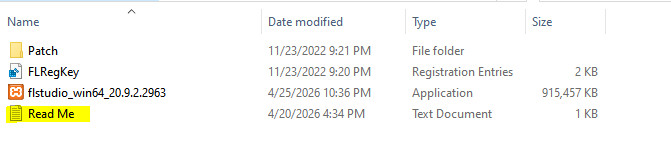
For more details on handling these versions, refer to our comprehensive guide: [Installation Guide for Cracked & Repacked Games/Software] (Insert your link here).
Important Safety Notes:
-
Antivirus Software: To prevent the installer from failing or files being deleted, please refer to our guide: How To Turn Off Antivirus
-
System Requirements: Always verify that your PC meets the minimum requirements before starting the setup.

