 AppToPC
 How to Install Cracked & Repacked Games
Title: Installation Guide for Games & Applications (Crack, Mod, Repack)
To ensure a successful installation, simply read and strictly follow the specific instructions provided for each game or software. You can locate these instructions in one of two places:
-
Directly on the webpage of the specific software you are downloading.
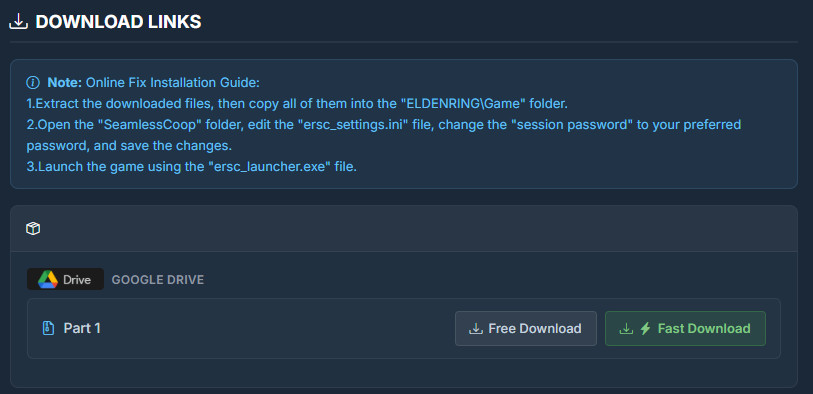
-
Inside a text file (such as
Readme.txt,How to install.txt) located within the folder you just extracted.
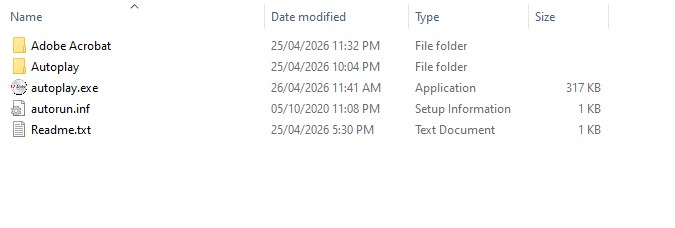
Just follow the steps in the provided order, and you will be good to go. Below are two practical examples of how to follow these instructions:
Example 1: Mouse and Keyboard Recorder

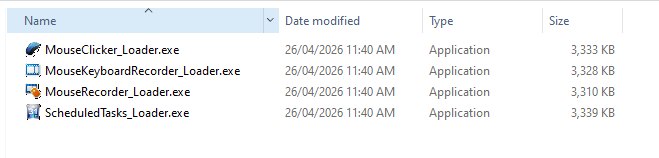
The instructions dictate the following steps:
-
Run the Setup.
-
Copy all loader files and paste them into the application's installation folder.
-
Always run the loader with "Run as administrator" permissions to use the app.
-
Note: For the "KeyPresser" tool, run its specific loader and enter this registration code to unlock:
55555-55555-55555-55555-55555
Example 2: Adobe Acrobat Pro DC 2026
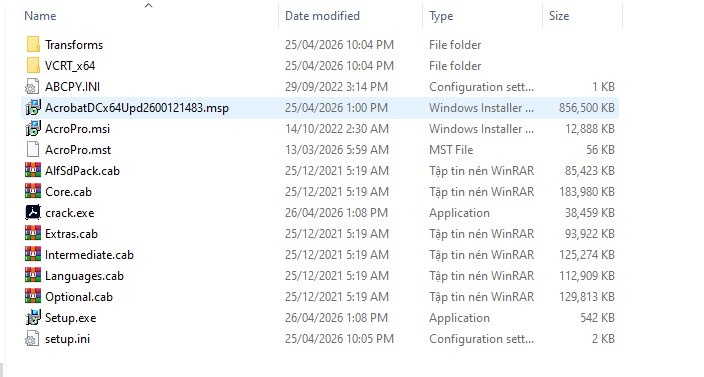
The instructions dictate the following steps:
-
Important: Before extracting and installing, make sure that you have temporarily disabled your Antivirus or Windows Defender. Please ensure you have uninstalled any old versions (if applicable) before proceeding.
-
Method 1: Run
autoplay.exeto install automatically. Enjoy! -
Method 2 (If
autoplay.exeis not working), go to the "Adobe Acrobat" folder and follow these steps:-
Run
Setup.exeto install Adobe Acrobat. -
Run
AcrobatDCx64Upd2600121483.mspto update Acrobat. -
Run
crack.exeas Administrator to activate. -
(Optional) Block the application in your firewall to prevent license checks.
-

